




The Best Shopify Form Builder in 2025
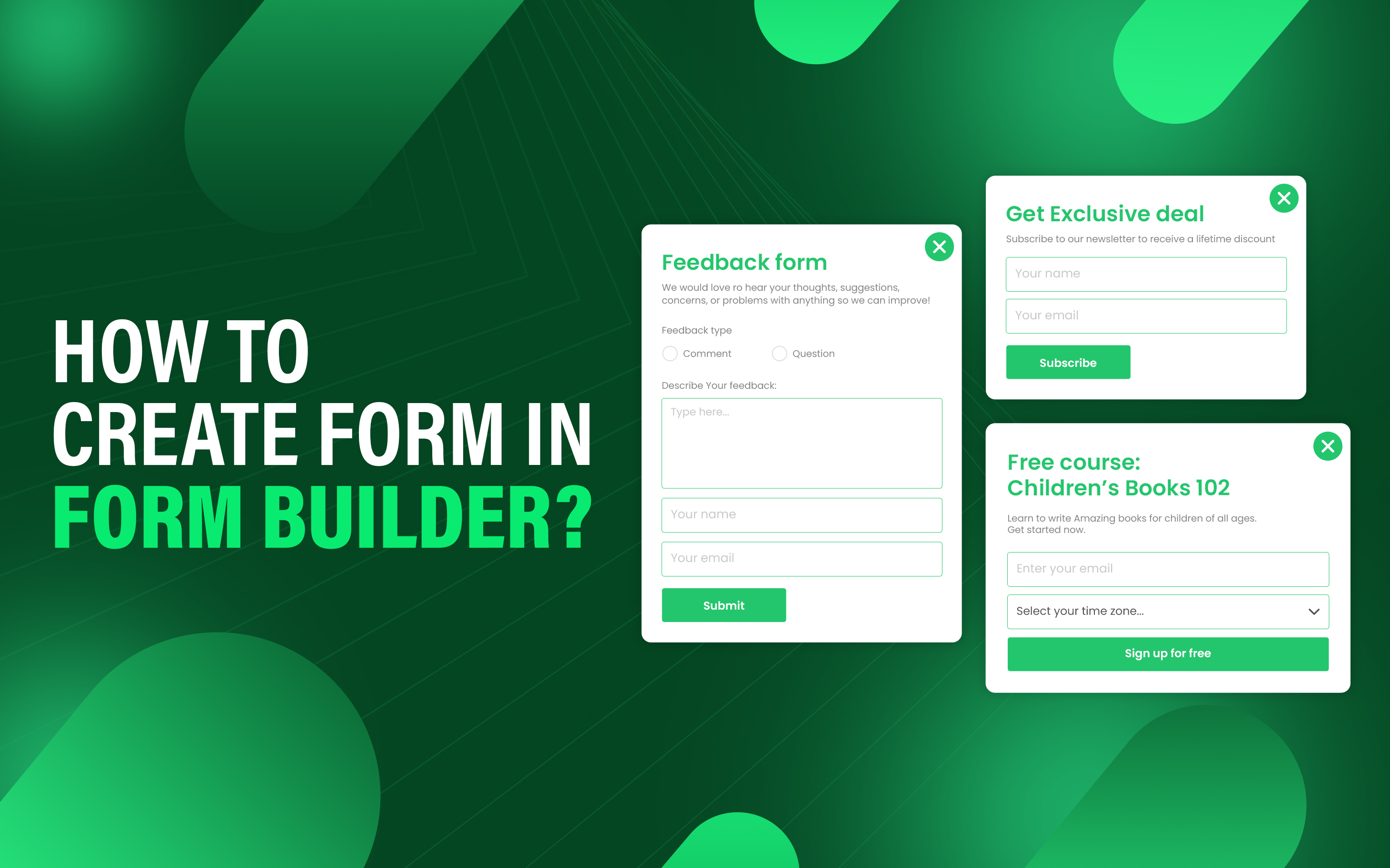
The best Shopify form builders are the application that allows store owners to create and customize forms on their store to enable functionalities like customer inquiries, order forms, registration forms, surveys, and feedback collection without requiring any coding skills.
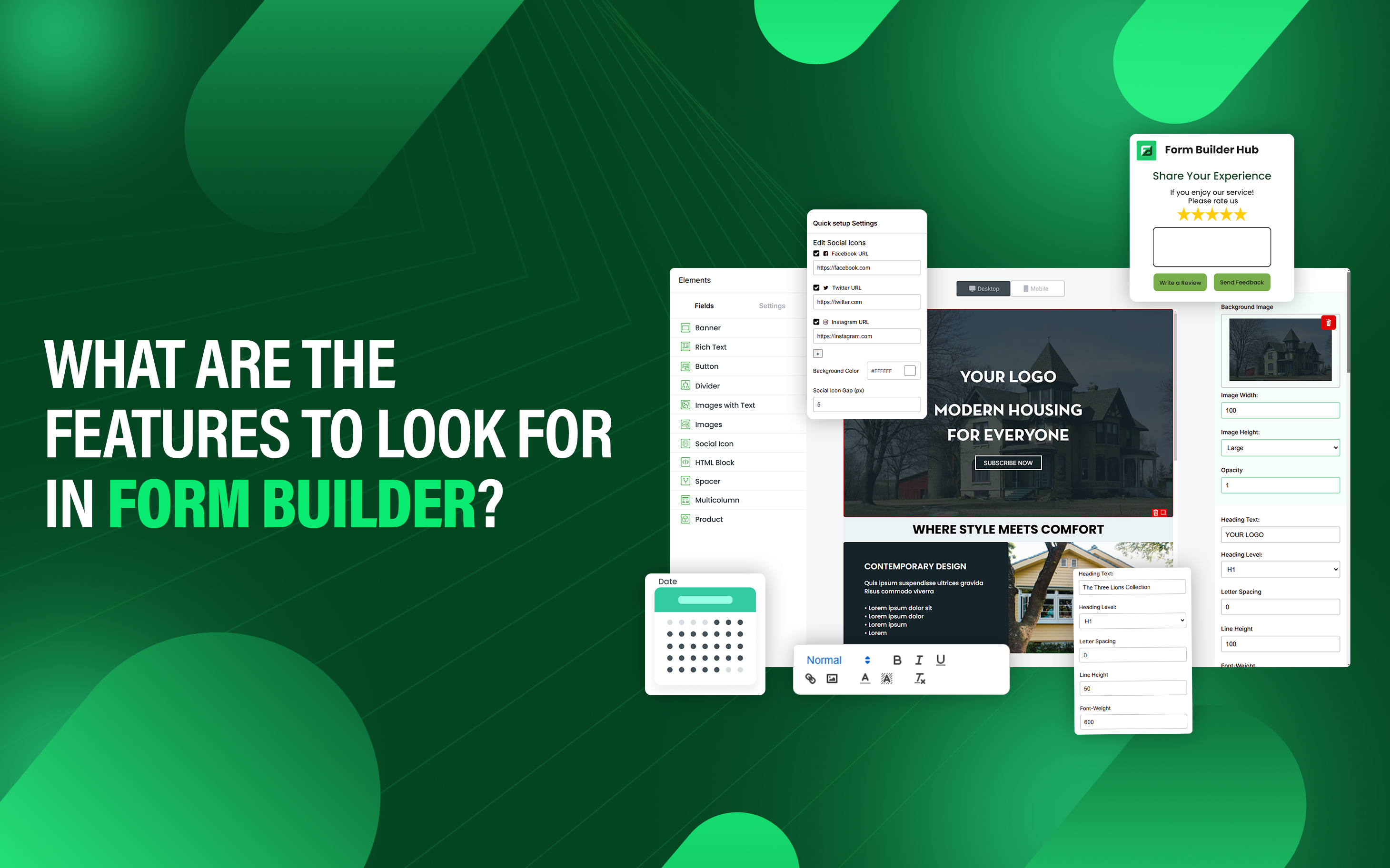
Some form builders are better than others with the main differentiator advanced features and customization they offer. Some form builders are easier to use and offer cheaper pricing structure compared to others. While choosing the best Shopify form builder consider factors such as customization, integration, and Pricing structure.
Some of the best Shopify form builders include SyncForm for creating personalized forms, Hulk Form Builder for its built-in conditional logic with advanced automation, POWR Form Builder Contact Form for accepting payments directly within forms via PayPal and Stripe, and Powerful Contact Form Builder for offering multi-step forms with conditional logic and advanced automation. There are other form builders which are best for specific features, which we shall discuss below.
- SyncForm
- Hulk Form Builder
- SK: Advanced Form Builder
- Shopify Forms
- AAA ‑ Custom Form Builder App
- Pify Form Builder‑Contact Form
- POWR Form Builder Contact Form
- Powerful Contact Form Builder
- qikify Contact Form Builder
- Zotabox Contact Form Builder
1. SyncForm
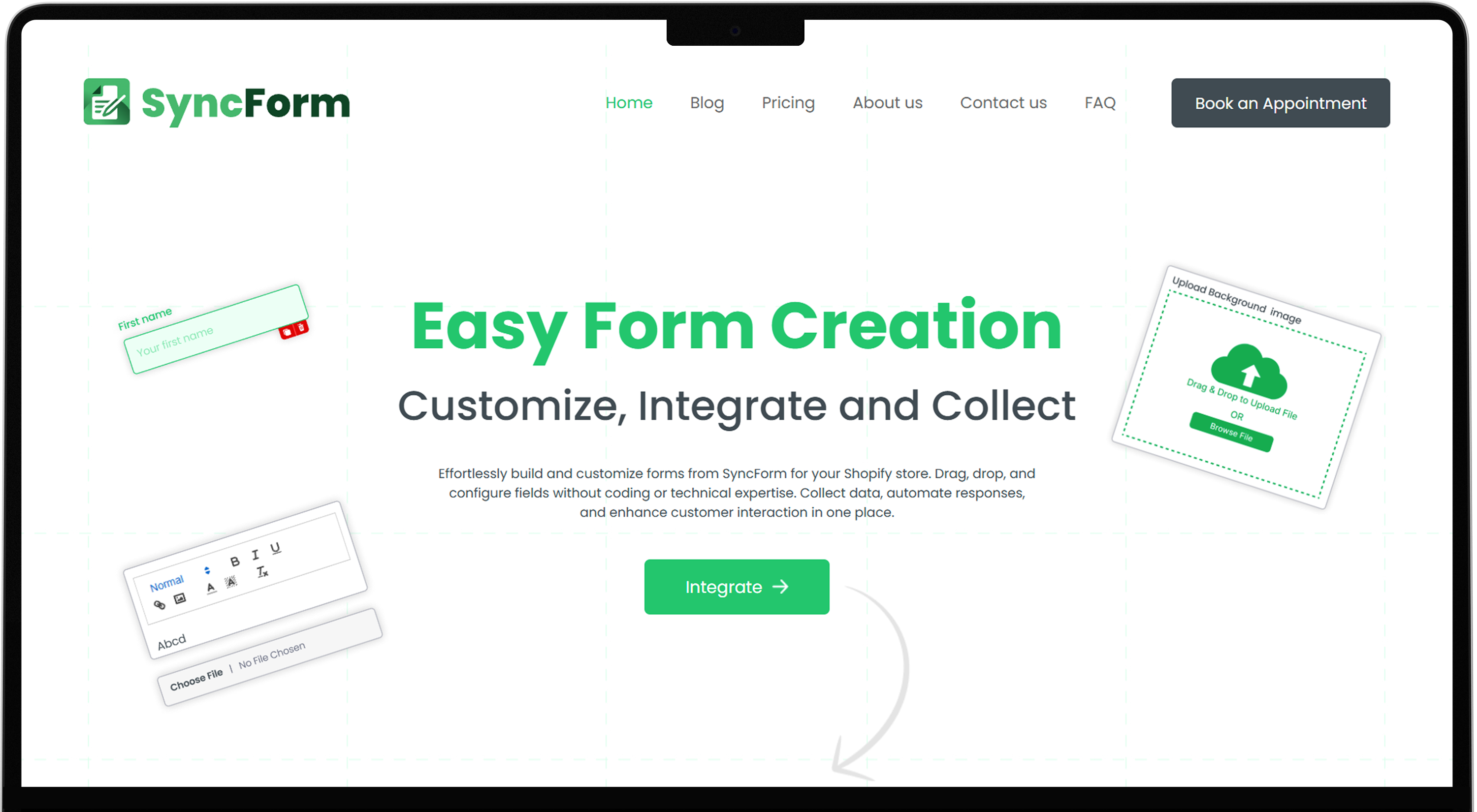
SyncForm allows store owners to create personalized forms with custom CSS styling. You can craft custom forms with its pre-build templates or from scratch. Hub form builder supports forms like Contact form, Registration form, Popup form, and Return form, exchange form and other. Additionally, it connects store owner email with customers for better communication and offers features for upload images and files.
SyncForm Advantages:
- Provide pre-build templates.
- Extra space to store data.
- Auto email response.
- Create both simple and complex forms.
- Support multiple types of forms.
- Notify users when a form submission occurs.
SyncForm Disadvantages:
- Require basic knowledge of CSS.
SyncForm Price: The app has three different subscription plans.
- Free- $0/month.
- Pro- $4.99/month.
- Pro+- $14.99/month.
SyncForm Rating: 4.8 star out of 5.
2. Hulk Form Builder
Hulk Form Builder allows you to create both basic and complex forms with full customization options. This app supports different types of forms, smooth workflow, integrates with the most recent themes, and Google reCaptcha to stop fake submissions. You can also change the looks of every part of your form, track UTMs, and upload multiple files and images. The Hulk form builder offers a smooth interface and fully mobile responsiveness on any device.
Hulk Form Builder Advantages:
- Create forms and gather data from your customers.
- Design forms with conditional and dynamic field logic.
- Design personalized forms.
- Provide storage to upload more files.
- Connect your customer email domain to other apps easily.
Hulk Form Builder Disadvantages:
- Poor customer support.
- Sometimes submissions weren’t sent to the user's email.
Hulk Form Builder Price: The app has four different subscription plans.
- Free- $0/month.
- Pro Plan- $9.90/month.
- Pro+ Plan- $19.90/month.
- New Global Plan- $249/month.
Additionally, it provides a 3-day free trial and 1-day for its New Global Plan.
Hulk Form Builder Rating: 4.8 star out of 5.
3. SK: Advanced Form Builder

SK Advanced Form Builder allows you to create both forms from basic to complex with predefined templates or from stretch. The app offers templates such as contact us, booking, warranty, and wholesale form which is compatible with different themes. You can change the look and feel of the form as you want with custom CSS. Additionally, the app integrates with Klaviyo and SMPT which add users to specific user lists and tag users when form is submitted.
SK Advanced Form Builder Advantages:
- Create forms and collect customer data or upload files.
- Manage forms by drag & drop feature.
- Integration with Klaviyo, FB tracking, and Gtag.
- Tag customer when form is submitted.
- Offers personalized designs to meet your store branding.
SK Advanced Form Builder Disadvantages:
- Lacks advanced features.
- Need CSS basic knowledge to customize form.
SK Advanced Form Builder Price: $0/month.
SK Advanced Form Builder Rating: 5 out of 5-star rating.
4. Shopify Forms
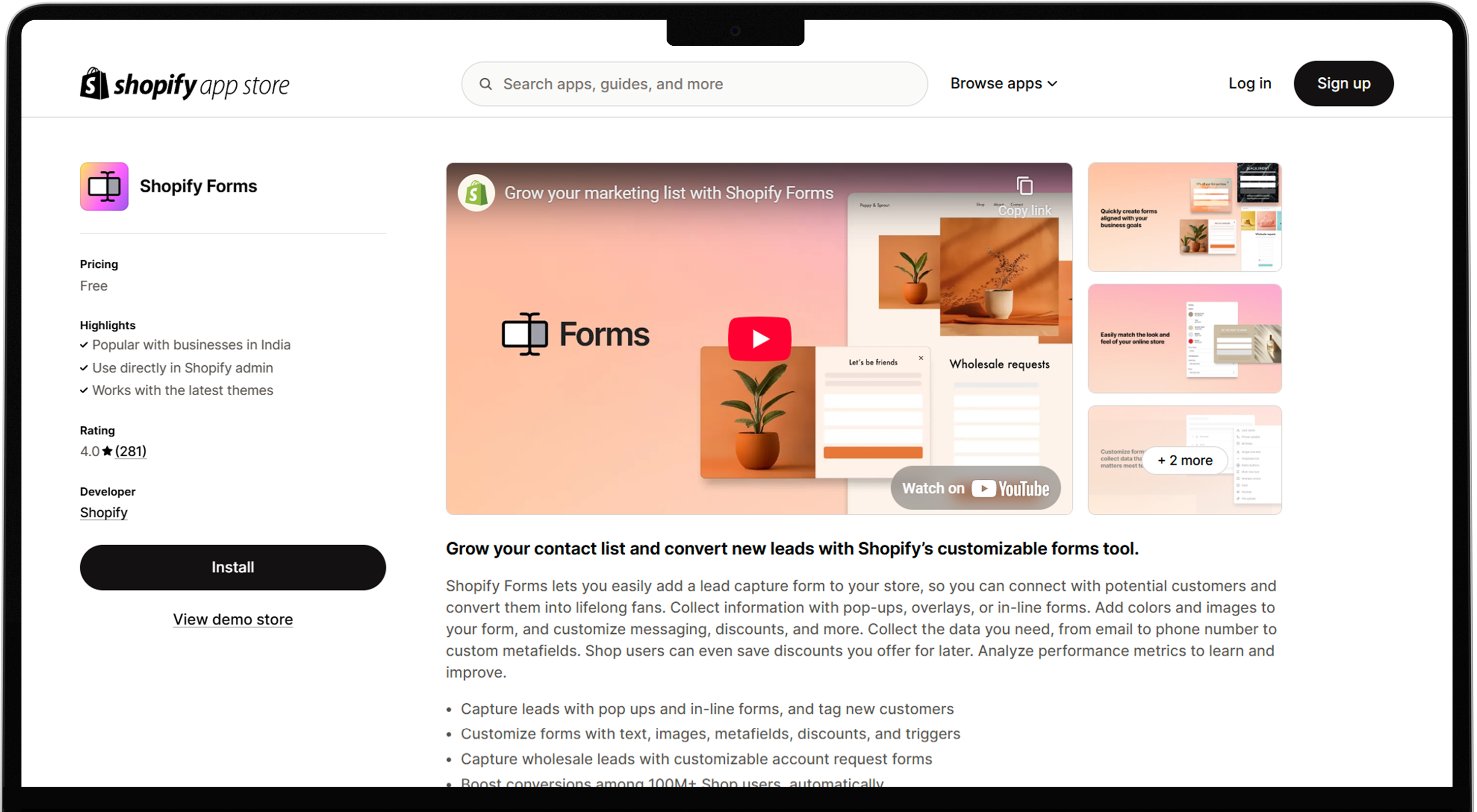
Shopify Forms lets you create lead forms on your store and connect with potential customers. It allows you to collect information with pop-up, overlays, or in-line forms and add colours and images to your form, discounts, and customize messages. Collect data from emails to phone numbers to custom metafield and analyze performance metrics to learn and improve.
Shopify Forms Advantages:
- Capture leads with popups and in-line forms.
- Capture wholesale leads with customizable account requests forms.
- Store, segment, and use customer data in one platform.
Shopify Forms Disadvantages:
- Doesn’t use reCaptcha.
- Difficult to customize.
Shopify Forms Price: $0/month.
Shopify Forms Rating: 4.1 star out of 5.
5. AAA ‑ Custom Form Builder App

AAA ‑ Custom Form Builder App builds personalized forms to collect feedback, info, survey response, and product inquiries. It offers easy drag-and-drop to create contact, survey and registration forms. You can customize fields, design, trigger and integrate with email and CRM systems. It captures customer insights, grows email lists and improves user experience.
AAA ‑ Custom Form Builder App Advantages:
- Create forms with drag-and-drop features.
- Options for customized fields and designs.
- Provide survey and feedback forms.
- Connect forms to email list and CRM.
AAA ‑ Custom Form Builder App Disadvantages:
- No pre-built templates.
- Bad customer support.
AAA ‑ Custom Form Builder App Price: The app has three different subscription plans.
- Starter- $9.99/month.
- Bronze- $29/month.
- Silver- $49/month.
Additionally, it provides a 7-day free trial for new users to get familiar with the app's functionality.
AAA ‑ Custom Form Builder App Rating: 4.4 star out of 5.
6. Pify Form Builder‑Contact Form
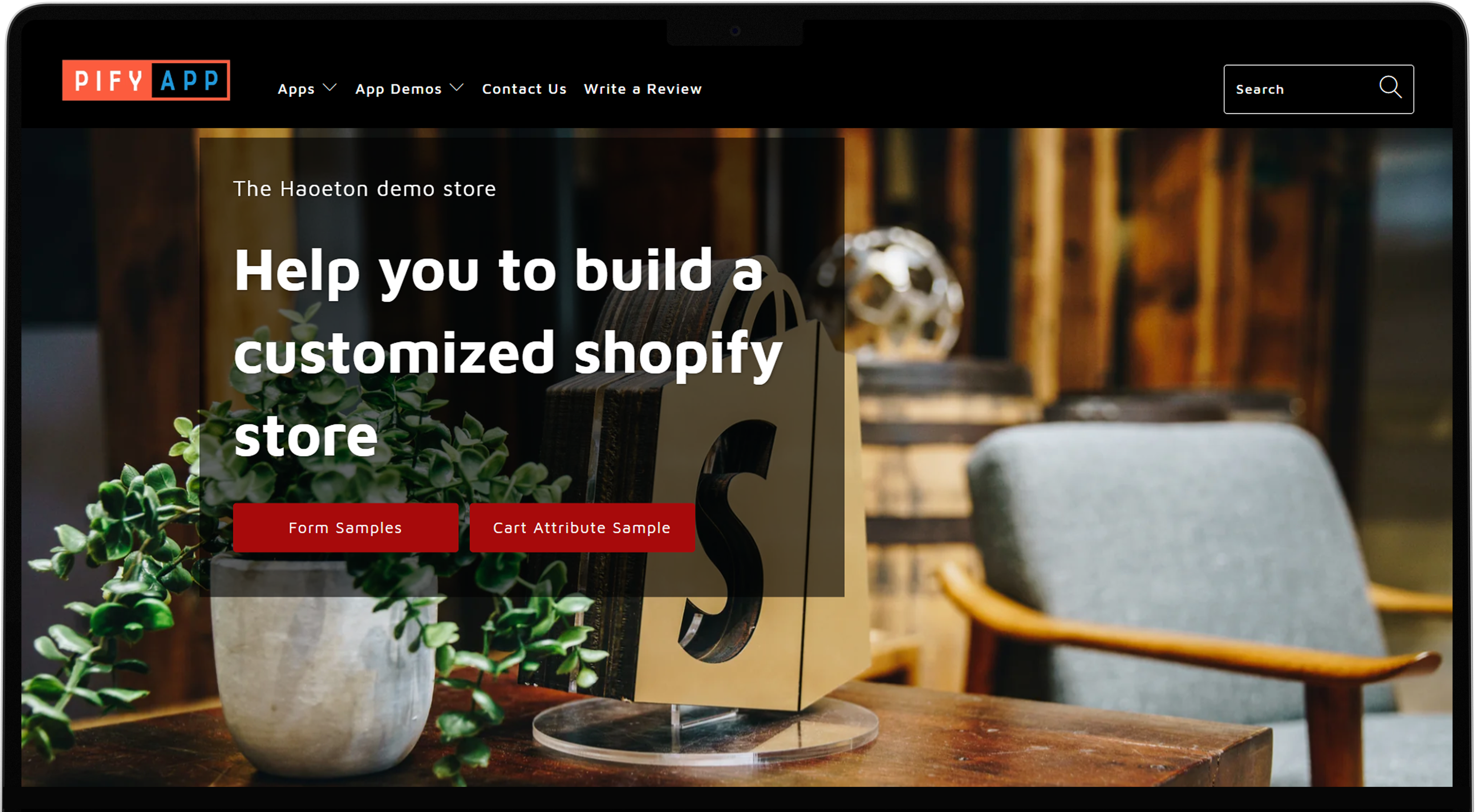
Pify Form Builders connects you with your customers to get more leads and product sales. It saves time to create various forms such as contact forms, order forms, and registration forms. Pify form builder supports different forms like upload files form, discount code form, research form, pre-order form and many other forms.
Pify Form Builder‑Contact Form Advantages:
- Automatically create customers with Contact Widgets and get more leads.
- Wholesale order form payout through your store and Paypal.
- Lots of form templates.
- Custom email templates without code.
Pify Form Builder‑Contact Form Disadvantages:
- Lacks advanced features.
Pify Form Builder‑Contact Form Price: $0/month.
Pify Form Builder‑Contact Form Rating: 4.7 star out of 5.
7. POWR Form Builder Contact Form
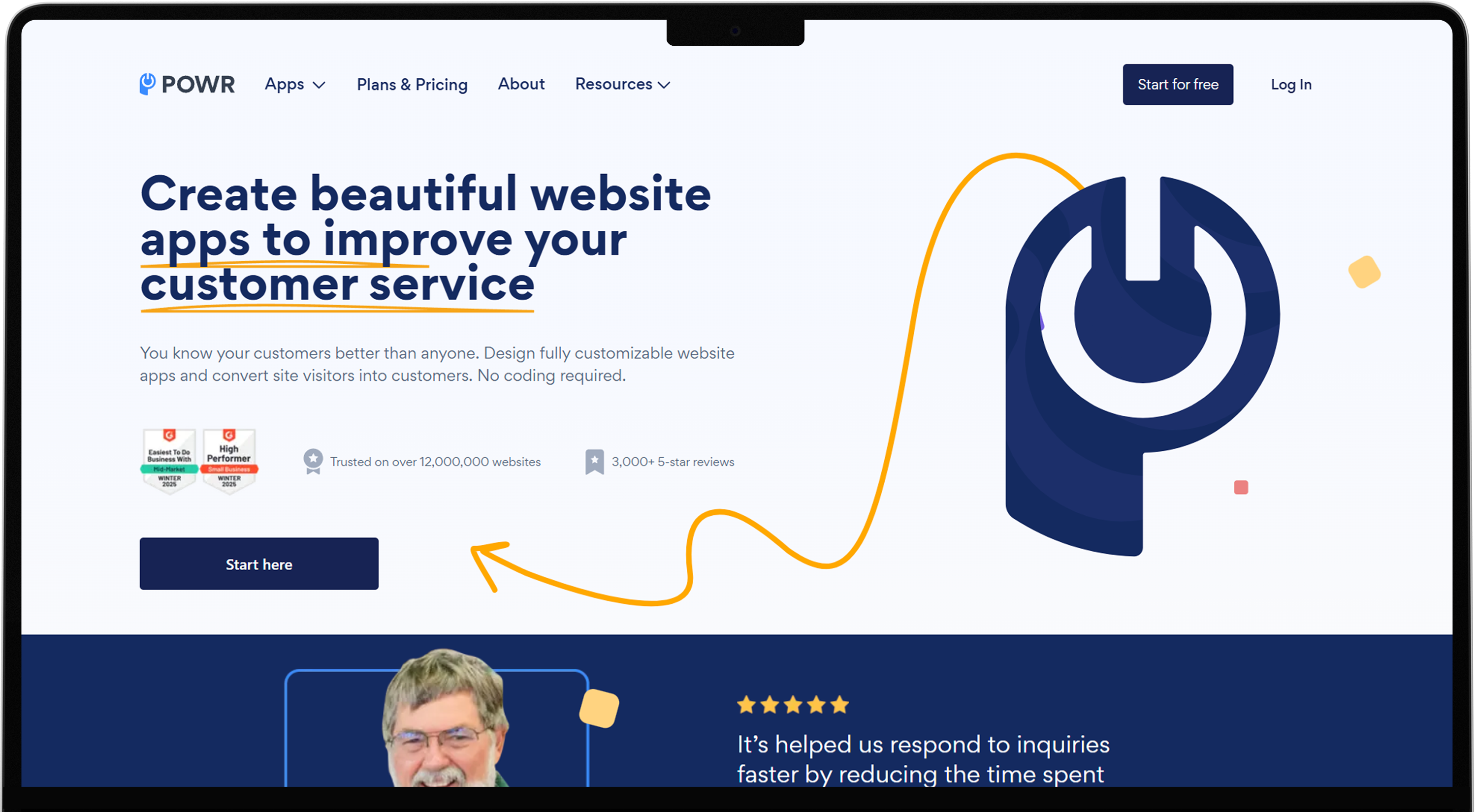
POWR Form Builder Contact Form lets you create custom multi-step contact forms without any coding. It’s mobile responsive and has Google reCaptcha to protect your store from spams. POWER Form Builder integrates with Shopify customers, Klaviyo, Mailchimp and Zapier. Additionally, it has templates for simple or complex contact forms.
POWR Form Builder Contact Form Advantages:
- Allows you to manage form submissions.
- Modified multi-step form to collect leads and conversions.
- Automate email response.
- Real-time submission alert.
- Provide reCaptcha to protect from spams.
- 20+ other custom form fields.
POWR Form Builder Contact Form Disadvantages:
- High subscription plans.
- The app has minor errors.
POWR Form Builder Contact Form Price: This application offers four different subscription plans.
- Free- $0/month.
- Starter- $9.99/month.
- Pro- $17.49/month.
- Business- $89.99/month.
POWR Form Builder Contact Form Rating: 4.7 star out of 5.
8. Powerful Contact Form Builder
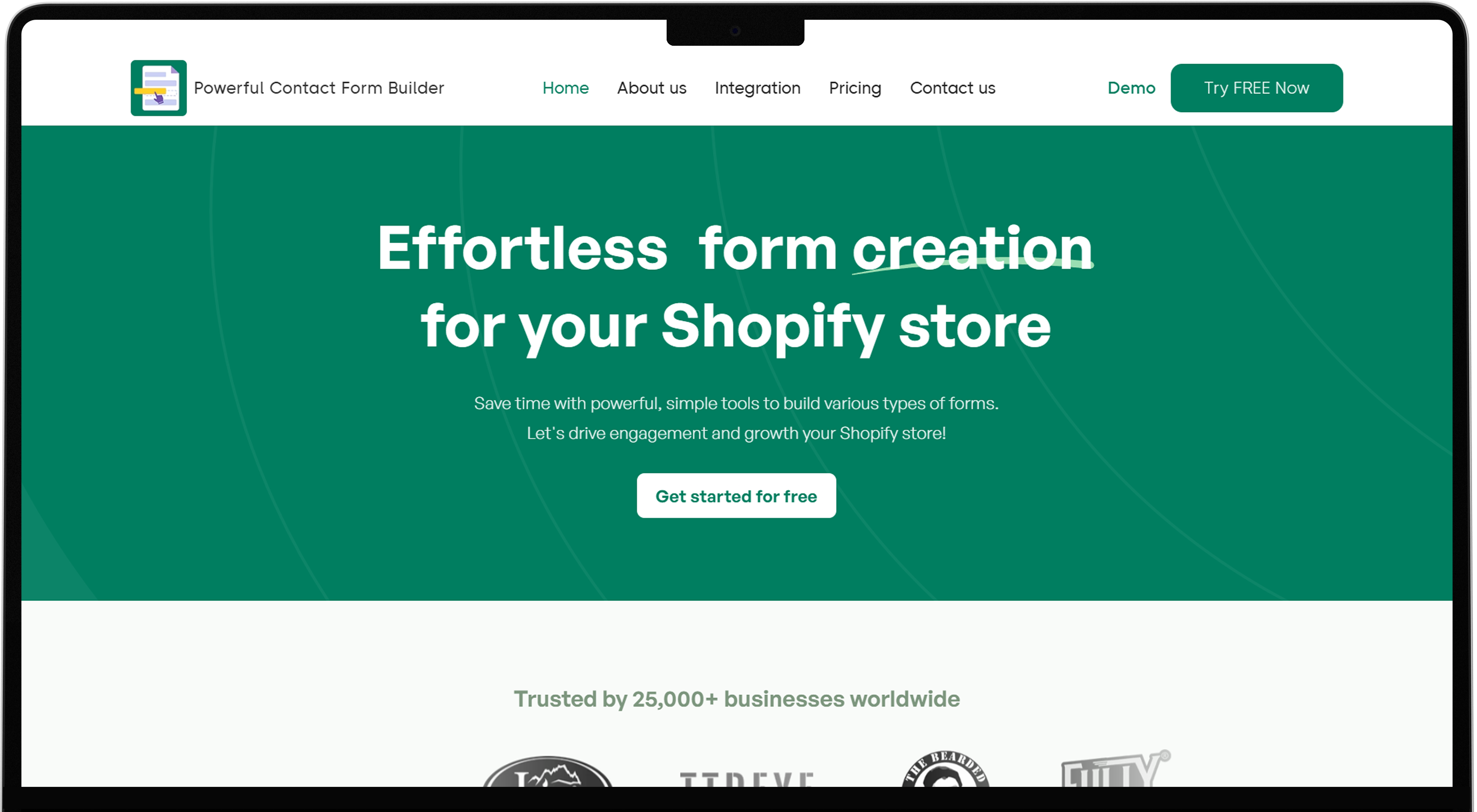
Powerful Contact Form Builder enables you to create forms without coding and it integrates with many 3rd party applications such as Mailchimp, Klaviyo, Ominisend and Google calendar to display custom forms on any pages like product page, collection page, cart page, and home page. It allows your customers to upload images and files when they submit your form.
Powerful Contact Form Builder Advantages:
- Create custom forms with file and image upload options.
- Send auto respond emails.
- Integrate form data with Klaviyo and Mailchimp.
- Built contact us form with Captcha and conditional logic.
Powerful Contact Form Builder Disadvantages:
- Complex user interface.
- Poor customer service.
Powerful Contact Form Builder Price: The app has three subscription plans.
- Free- $0/month.
- Premium- $9.99/month.
- Pro- $19.90/month.
Additionally, it offers a 7-day free trail for new users.
Powerful Contact Form Builder Rating: 4.9 star out of 5.
9. qikify Contact Form Builder
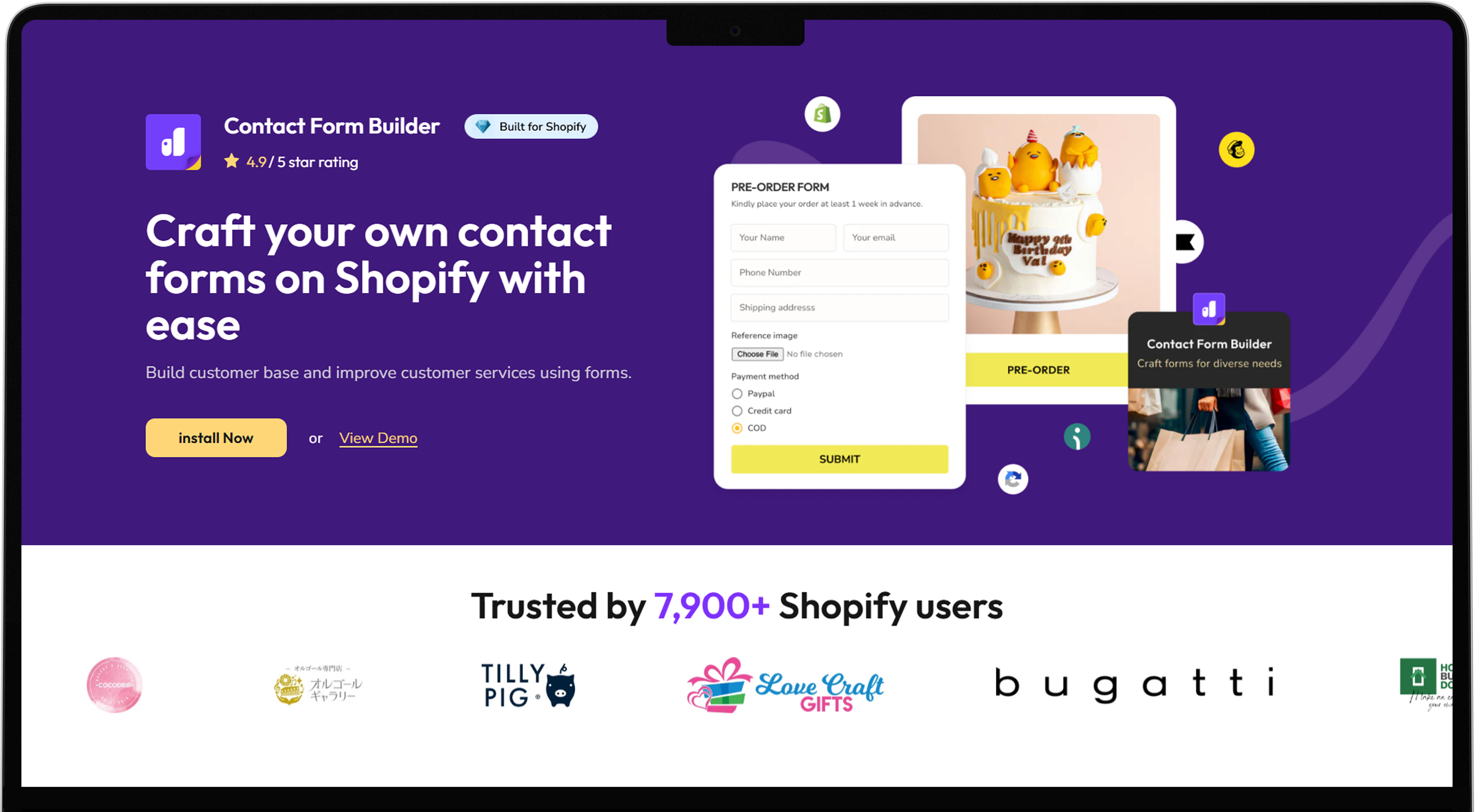
qikify Contact Form Builder allows you to create custom forms without any code. Craft custom forms like contact, wholesale and surveys with qikify Form Builder. It seamlessly converts new leads, expanded contact list, and updates custom service. This app offers efficient in-app submission management and sync with email apps for smooth communication.
qikify Contact Form Builder Advantages:
- Custom form creation.
- Support file upload and image choice.
- Display forms with popups, bubbles, or embedded form.
- Offer advanced features like reCaptcha, conditional logic, and form schedule.
qikify Contact Form Builder Disadvantages:
- Unexpected charges.
- Irresponsible support.
qikify Contact Form Builder Price: It offers three different subscription plans.
- Free- $0/month.
- Basic- $5.99/month.
- Premium- $7.99/month.
Additionally, the app offers a 7-day free trial for users to get used to the app’s interface.
qikify Contact Form Builder Rating: 4.9 star out of 5.
10. Zotabox Contact Form Builder
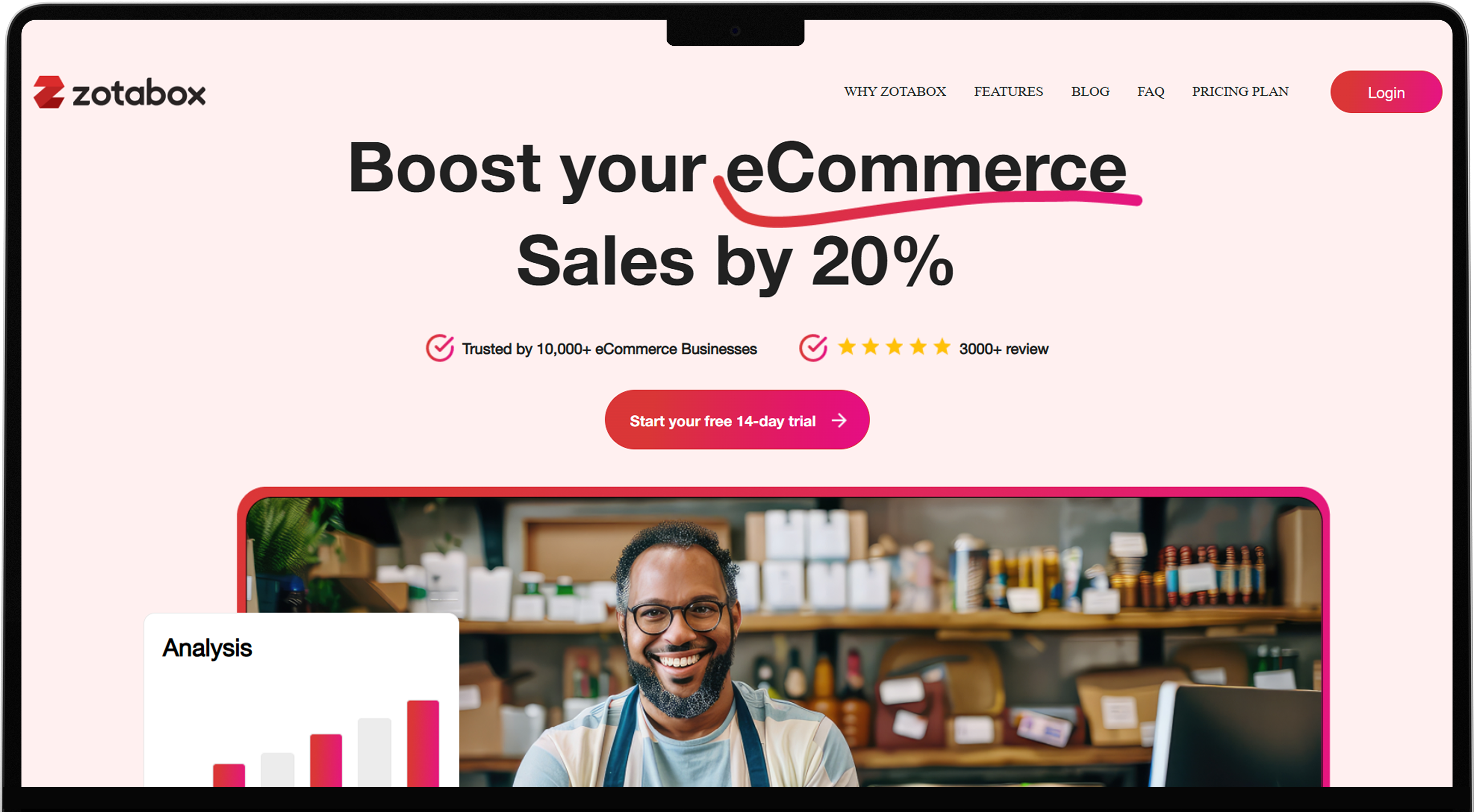
Zotabox Contact Form Builder allows you to personalize the customer communication and service with 10 different input methods. It enables the option Attach image to create easy return, refund and warranty requests. Collect user’s contacts like email or phone number at the bottom of the landing page. Zotabox automates response and track your emails collection funnel with ease and allows you to build customer support ticket management systems.
qZotabox Contact Form Builder Advantages:
- Collect detailed submissions in emails
- Automatic email replay with image or colours.
- Build and activate multiple forms at once.
- 24 Hrs in-app chat support.
Zotabox Contact Form Builder Disadvantages:
- High cost.
- Taking significant loading time.
Zotabox Contact Form Builder Price: Zotabox offers three different subscription plans.
- Starter- $12.99/month.
- Express- $29.99/month.
- Platinum- $79.99/month.
Additionally, the app offers a 14-day free trial for users to get familiar with the app's features and functionality.
Zotabox Contact Form Builder Rating: 4.7 star out of 5.
What are the factors considered while choosing a forum builder for your Shopify store?
When selecting the best Shopify form builder for your online store, consider factors such as integration, customization, and performance.
- Integration: Ensure the app smoothly integrates with Shopify and other 3rd party apps you are using in your store such as email marketing, CRM, and discord.
- Customization: Select the app which offers customization options to meet your store’s branding including theme, colour, font, and layout.
- Performance: Check that the app handles an increasing number of users without slowing down or affecting store performance. Poor performance affects the user experience and SEO, which is bad for your business.
- Pricing: Make sure the app is in your budget, this affects your budget planning and profitability. Some apps offer features at low prices while others charge extra money depending on the features they offer. Ensure that the app offers value for money.
- User Experience: Choose the form builder which offers mobile responsive forms and has an intuitive interface. This improves the customer experience within your store and derives more traffic.